Volet.com is a payment system and a digital wallet that lets you send and receive payments in both crypto and fiat currencies, as well as spend your money using prepaid cards. In this article, we’ll explain how to use Volet.com wallet and how to choose the most suitable option for your specific needs.
So, you got money in your Volet.com account. Maybe it was a payout from an online affiliate program, a digital creator platform, a trading website, or payment from a client for freelance work.
Now you can convert that money into stablecoins or other cryptocurrencies. You can also use the funds for international transfers and everyday purchases. For example, you can transfer money to a bank account or directly to a card. Or you can order a Volet.com prepaid card and pay in everyday situations without transferring money to other providers.
Key Takeaways
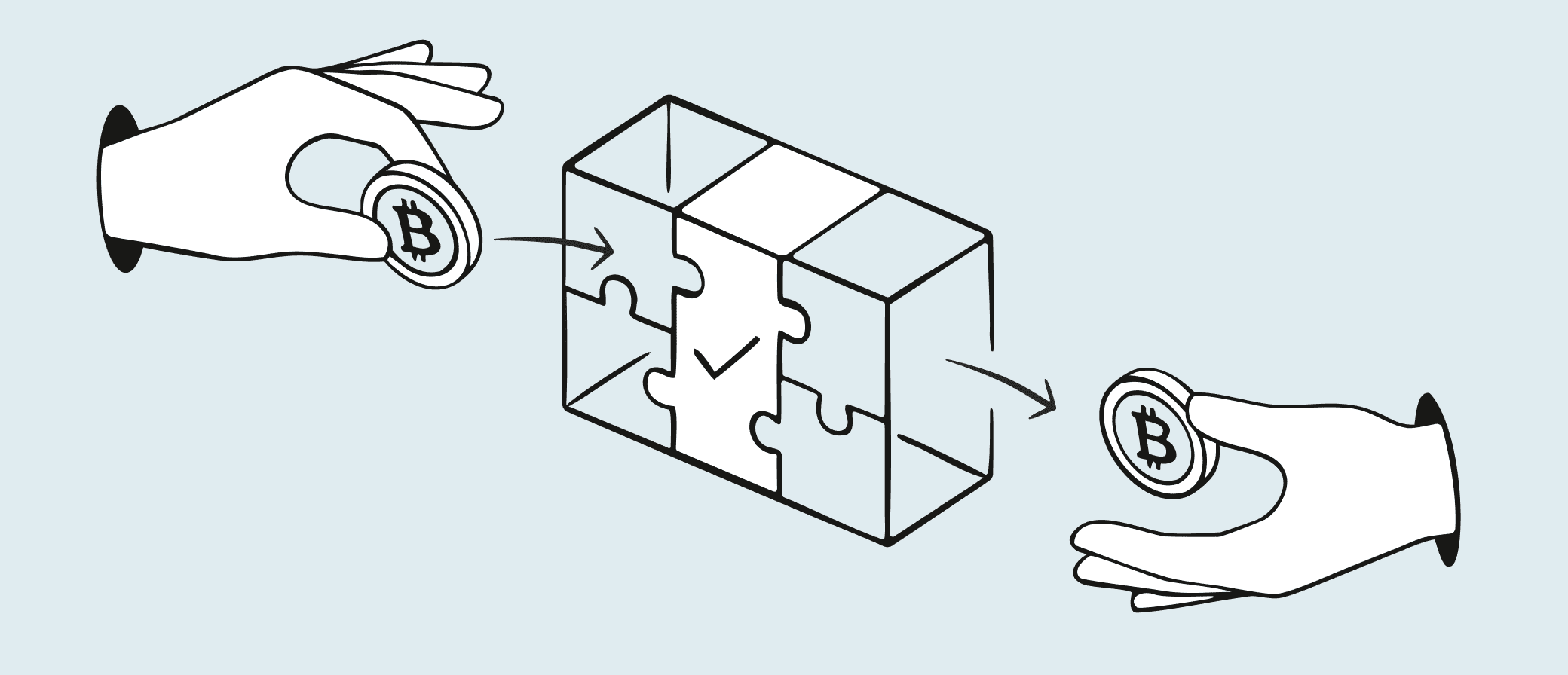
If you prefer crypto, you can withdraw USD or EUR to an external crypto wallet with auto-conversion into stablecoins or cryptocurrency you need. Volet.com also has its own crypto wallet for sending and receiving crypto on the blockchain.
If you regularly receive money on Volet.com, order our prepaid card — digital or plastic. It’s the easiest way to pay online and offline or withdraw cash from ATMs within seconds.
If you need a one-time withdrawal, you can withdraw money from Volet.com directly to your card or bank account.
Send crypto to other wallets
Even if someone sent you money to your Volet.com account in USD or EUR, you can withdraw it to a crypto wallet in USDT, USDC, or any other cryptocurrency. The conversion happens automatically, and you’ll see the exchange rate in advance — before you confirm the transfer.
How to send crypto from Volet.com:
1. Log in to your Volet.com account.
2. Go to 'Buy crypto' → 'With wallet'. This option converts your fiat money to crypto and sends it to an external wallet.
3. Choose the wallet you want to withdraw from (USD or EUR) and enter the withdrawal amount.
4. Select the stablecoin or cryptocurrency you need. For stablecoins, you’ll also need to choose the network. After selecting the crypto, you’ll see the fee and the final amount that will arrive in your crypto wallet.
5. Enter the crypto wallet address where you want to receive the funds and click the green 'Continue' button.
Double-check that you're entering the correct address. Most wallets support multiple networks. If you select the wrong network, the sent cryptocurrency may be lost permanently.
You can also create a crypto wallet inside your Volet.com account. To do this, find the 'Crypto wallets' section on the left-side panel and click '+' to create one. Choose the cryptocurrency and network, then click 'Add'. You’ll see your new wallet in the 'Crypto wallets' section. Click on it to view the available funding and withdrawal methods.
Start sending and receiving money today
Use stablecoins for global reach and local fiat rails for easy top-ups and withdrawals.
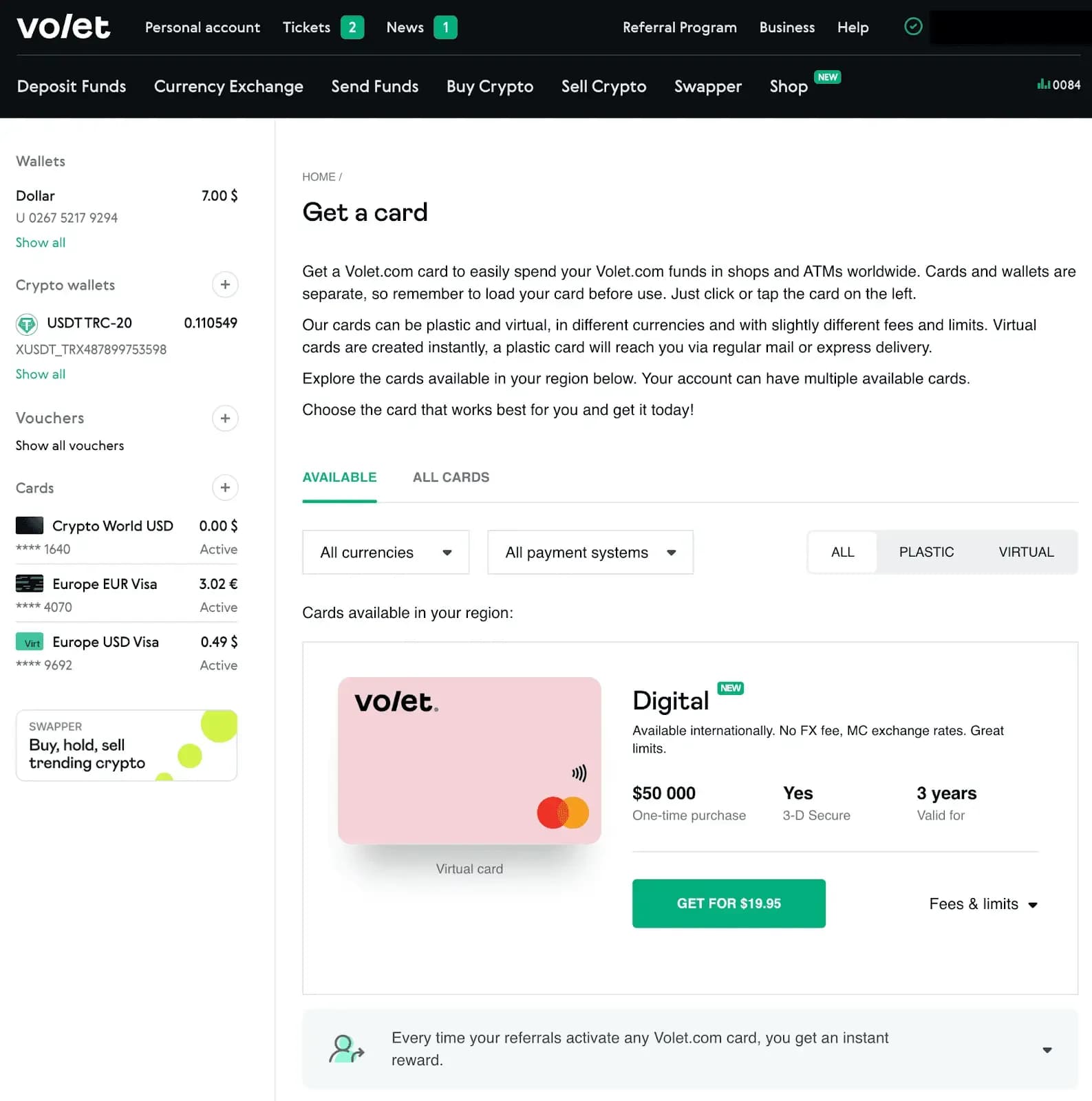
Volet.com offers prepaid plastic and virtual cards that you can add to your account and fund instantly whenever needed. Using these cards regularly can save you money, because the one-time issuance fee is balanced out by lower withdrawal fees. Card availability depends on your region.
Virtual cards. There are several virtual card options, but the most popular one is the Digital card. It can be created instantly and is available in 150+ countries worldwide. Compared to other virtual cards, it comes with higher limits: a maximum single purchase of $25,000, a daily purchase limit up to $100,000, and a monthly purchase limit up to $400,000. There’s no extra fee for currency exchange — it’s processed at the Mastercard rate.
With the Digital card, you can pay not only in online-stores but also offline anywhere contactless payments are accepted. Simply add your card to Apple Pay or Google Pay.
However, the Digital card has a fixed fee of $0.48 for every transaction. So it’s better for larger purchases. If this fee doesn’t suit you, choose another virtual card from our catalog.
Plastic card. If you prefer a physical card, you can choose between Visa and Mastercard, wait a bit for the delivery, and then use it anywhere Visa or Mastercard is accepted. Plastic cards also allow you to withdraw cash at ATMs.
Fees and limits for plastic cards depend on the card’s currency and the region.
3. Take a look at the fees and limits of available cards and choose one.
4. Complete the order. Virtual cards are created instantly, a plastic card will reach you via regular mail or express delivery.
Once issued, your card will appear on the left-side panel in the 'Cards' section
The only way to fund your card is from your own or someone else’s Volet.com account. You can transfer money between your wallet and your card at any time. But you can’t fund the card directly from a crypto wallet or another bank card — the funds must be sent to your Volet.com account first.
Your card balance is separate from your wallet balance. Make sure to fund your card before using it.
Spend your fiat and crypto easily, anywhere
With truly global Volet.com virtual and plastic cards.
You can send money from Volet.com directly to credit or debit cards issued worldwide. Volet.com supported currencies are USD and EUR. If the card is denominated in a different currency, the receiving bank will automatically convert the funds upon arrival, so you don’t need to worry about additional steps.
Important: this is not a P2P card-to-card transfer. The payment is sent from a legal entity and processed through official card acquiring partners. Many banks are cautious about classic P2P transfers because they often associate them with crypto activity, fraud, or money laundering risks. So withdrawing money from Volet.com as a standard card payout reduces the risk of bank blocks.
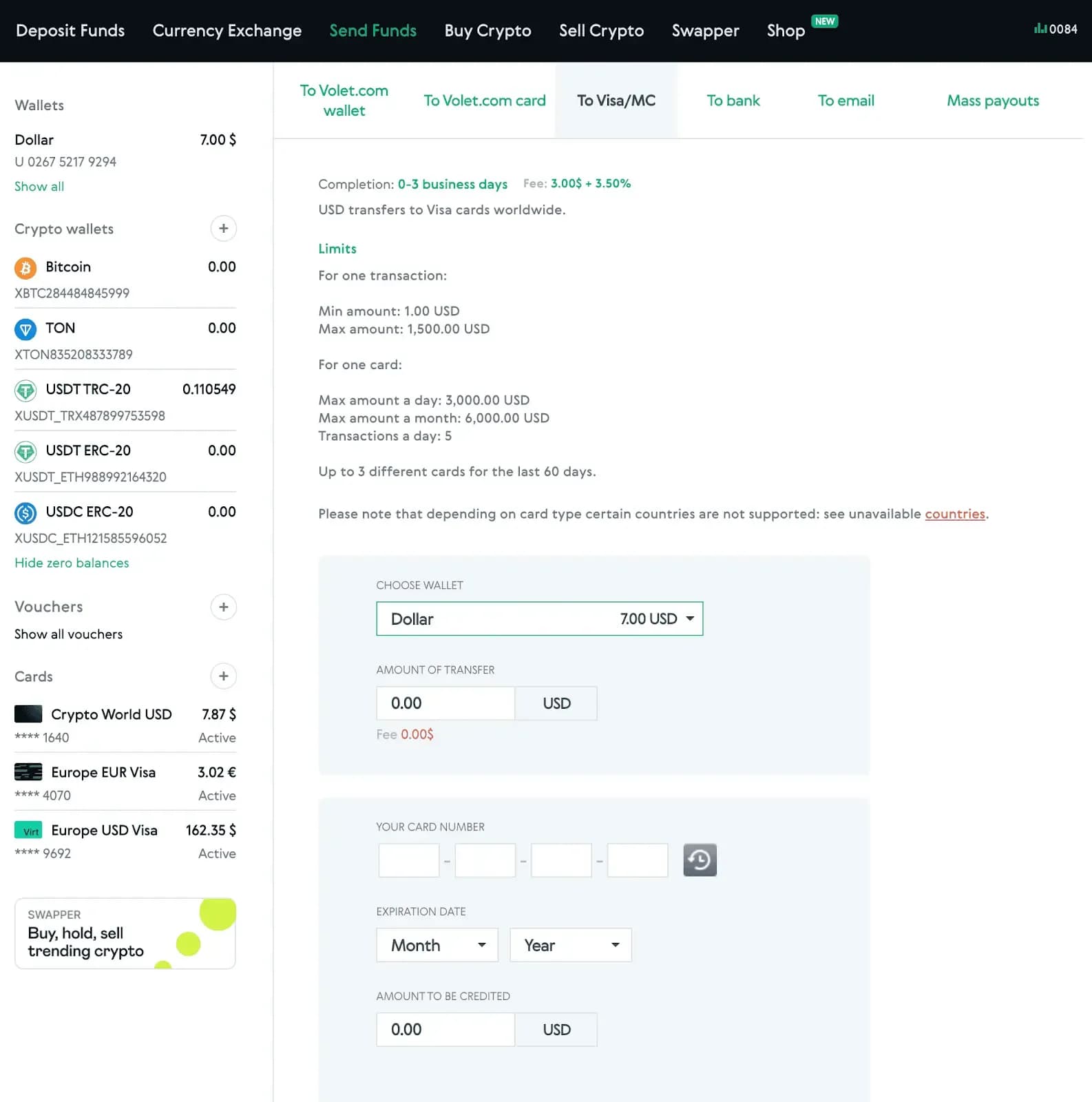
To send money with Volet.com, you only need the card number and its expiration date (month and year). No additional bank details are required.
How to make a transfer from Volet.com:
1. Log in to your Volet.com account.
2. Go to 'Send Funds' → 'To Visa/MC' → choose either 'Transfer' or 'Payouts'. They differ only by supported countries, as they run through two separate processing partners in different regions. If your country isn’t available in one option, try the other. If it’s available in both, you can use each method’s separate limits to send more overall.
3. Enter the card number and expiration date (month and year), then click 'Confirm'.
In most cases, the money is credited the same day, although depending on the recipient’s bank it may take up to three business days
If you need a straightforward way to send funds directly to a card with fewer compliance-related risks than standard P2P transfers, this method provides a practical and more stable alternative.
Send Money with Volet.com to Bank Account
Withdrawing money to a bank account is cheaper but slower than to a card. Also, with a bank transfer, you can send money not only to your own account but also to a friend, family member, or other people as well.
Currently, you can transfer USD via SWIFT or send other currencies using a local bank transfer. These methods allow you to send money in dozens of currencies worldwide, including Latin America, Asia, the Middle East, Africa, and the list goes on and on.
How to send money from Volet.com wallet to a bank account:
1. Log in to your Volet.com account.
2. Go to 'Send Funds' → 'To bank' → choose either 'Local bank transfer' or 'SWIFT in USD'.
3. Select the recipient: your own bank account or another person’s.
4. Choose the currency, country and bank name. Enter the transfer amount and recipient details: first name, last name, country, account number, and bank code. For some regions, additional information may be required, such as ID number, phone number, or address.
5. Review the information, check the box for 'I agree with terms and conditions' and click 'Send'.
Transfers typically arrive within 3 business days, depending on the recipient’s bank.
Quick Recap
Let’s summarize all Volet.com payment options.
Send crypto to a crypto wallet:
Speed — few minutes.
Fees — 0,5% plus network fee for stablecoins ($0.5–3.5).
Best use case — if you can’t use a bank card or account.
Get a Volet.com Card:
Speed — the virtual card is issued instantly; the plastic card delivery time depends on your region.
Fees — $1/€1 plus 1–2.5% depending on the card you choose.
Best use case — if you frequently receive payments on Volet.com.
Send money to a card:
Speed — usually 1 day, sometimes up to 3 business days.
Fees — $3/€3 plus 4.5%.
Best use case — if you need to receive money as quickly as possible.
Send money to a bank account:
Speed — 1–3 business days.
Fees — 1% for local banks; 1% + $25 for SWIFT transfer.
Best use case — if you're willing to wait and want a lower fee.
If you need help with any of Volet.com wallet features you can always go to our Help Center for quick answers.
FAQ
If you need a one-time withdrawal, the cheapest option is to withdraw in stablecoin or crypto: 0.5% plus a network fee. The network fee ranges from $0.50 to $3.50, so compare the different cryptocurrencies and networks. Another inexpensive withdrawal method is a bank transfer — 1% for local banks. However, this type of transfer can take several days. If you need to withdraw money regularly, order a Volet.com card. There is a one-time issuance fee for the card, but withdrawing money onto this card will be instant and cheaper than withdrawing onto third-party cards.
Yes, plastic cards allow cash withdrawals at ATMs. Fees and limits depend on the card. But you will see all the details in your account before ordering the card — so you can choose the card that best suits you.
The minimum withdrawal amount on Volet.com varies depending on the method. For example, withdrawals in USDT (TRC-20) start from 1 USDT, while bank transfers require a minimum of $/€25.
There are a few options to use Volet.com wallet:
Send crypto to any other crypto wallet;
Store funds or buy and hold crypto;
Convert currencies from USD to EUR or vice versa;
Withdraw money from Volet.com to debit or credit card, or to a bank account;
Send money with Volet.com to another Volet.com user — without fee.
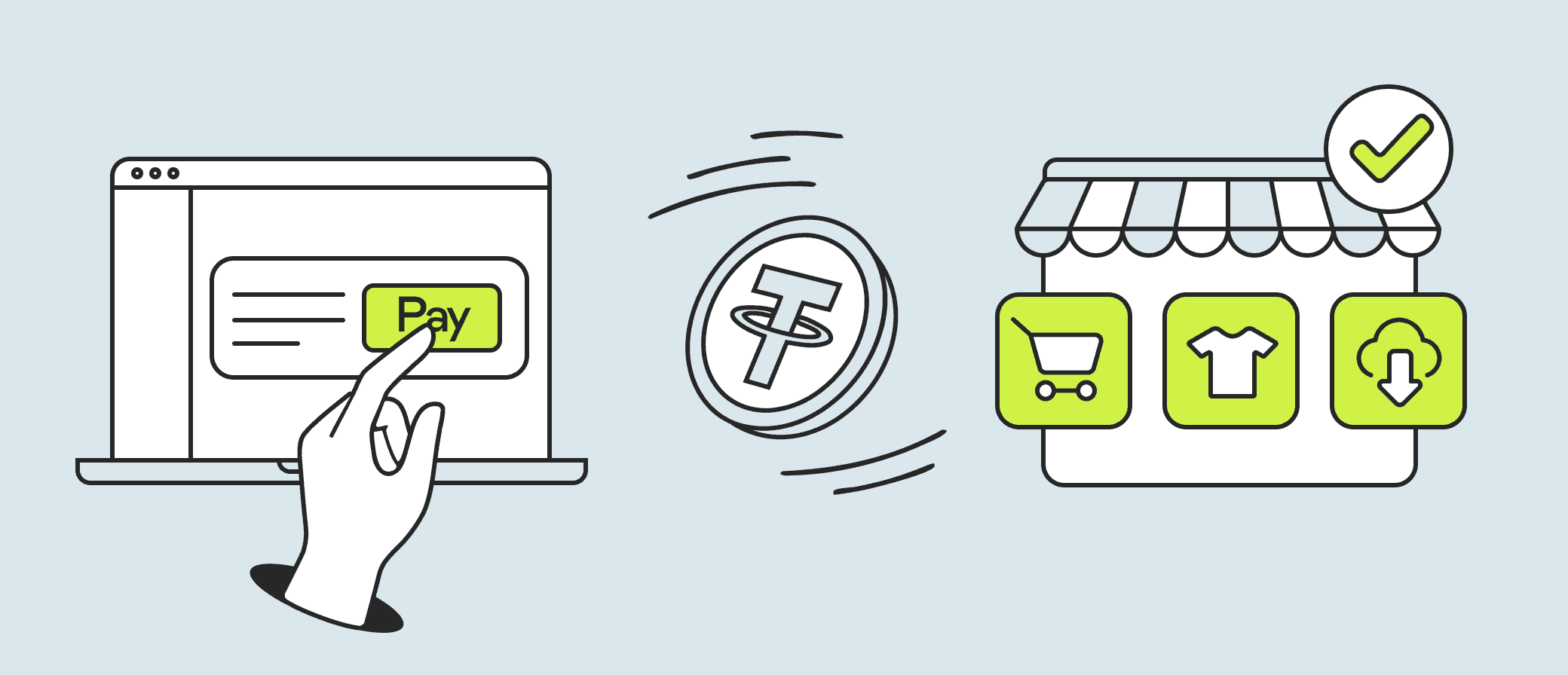
You can use available Volet.com payment options to pay online at websites that accept crypto as payment. Another way how to spend crypto with Volet.com is to transfer it to any other crypto wallet — not only to yourself, but to anyone. You can also exchange crypto for USD or EUR directly within your Volet.com account.
Volet.com wallet features include multi-currency support, secure storage, the ability to convert fiat to cryptocurrency or stablecoins and back, and the option to get a virtual or plastic card to spend money directly from your Volet.com account. There are many ways to deposit funds into your account and withdraw money from Volet.com.
You can withdraw money from Volet.com via bank transfer to a bank account or directly to your debit or credit card. You can also buy crypto and withdraw it to any crypto wallet. All withdrawal options are available in your account on Volet.com.
The main way to send money with Volet.com to another person is to transfer it to their bank account. This can be done in the 'To bank' section. If the recipient is willing to get money to a crypto wallet, you can use a transfer with automatic crypto conversion in the 'Buy crypto' section.