How to split USD and USDT payouts, estimate fees, and reconcile each payment
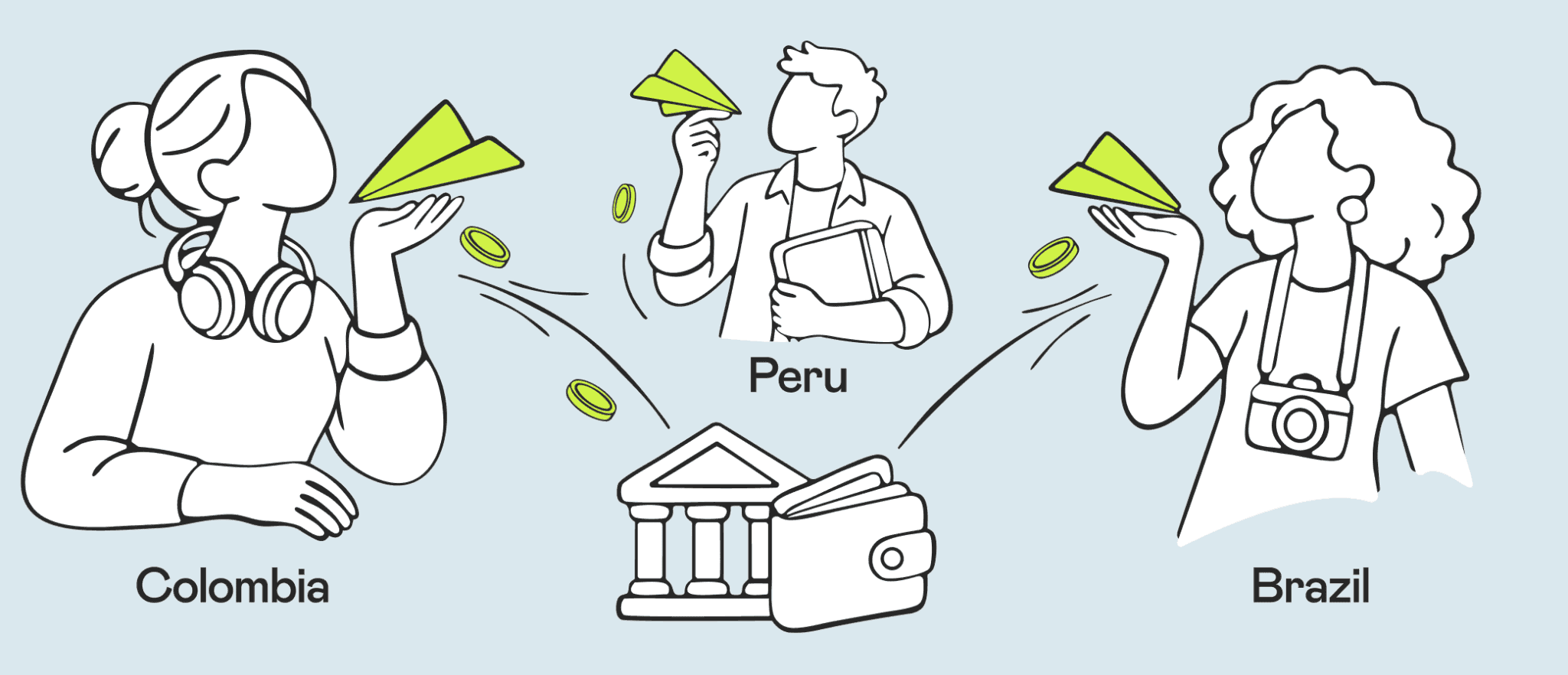
Envision this: an agency needs to pay 40 creators in Colombia, Peru and Brazil $500 each. Some agree to receive USD in Volet.com accounts. Others prefer an agreed amount in USDT sent to an external wallet. This case shows how to split the payments, estimate the budget for each order and check what each creator received.
{{total}} creators: {{wallets}} paid in USD to Volet.com accounts and {{crypto}} paid in USDT to external wallets.
USD payouts: {{principal}}. Processing fee starts at {{fee}}. Estimated total starts at {{total}}.
Enter whole counts from 0 to 50 per payout method, positive amounts for the selected methods, and valid fees.
Payout budget calculator
Model one USD order and one USDT order. Each order can include up to 50 recipients. Choose one network for the USDT order and check the currency-specific payout limits before confirming.
For USDT, enter the total fees shown in the order preview, including payout and network charges. Amounts here are shown in each order’s payout currency.
Can the agency pay all 40 creators in one batch?
Yes, if all 40 creators agree to receive USD in their Volet.com accounts and the payments fit the applicable limits. A manual batch supports up to 50 recipients in one currency. For 40 payouts of $500, that’s $20,000 in payouts and a processing fee starting at $50.
If some creators prefer USDT at an external address, create a separate USDT order for them. Agree on the amount with each creator and confirm their address and network.
The manual payout tool supports Tron (TRC20), Ethereum (ERC20) and BNB Smart Chain (BEP20) for external USDT payouts.
Who should receive USD and who should receive USDT?
Group creators by the currency and destination you agreed on. Two creators in the same country can be in different orders. These examples show what to record on the payment sheet.
Country and agreed payment
Recipient details
Who covers the costs in this example?
What finance checks
Colombia, $500 in a USD wallet
Email linked to the creator’s Volet.com account
Agency budgets for processing. Creator covers any later conversion or withdrawal
Check the amount shown for the recipient before paying, then match the payment to this row
Peru, 500 USDT to an external wallet
Recipient’s USDT wallet address on Tron (TRC20)
Agency budgets for processing, payout and network fees. Creator covers any later conversion
Match the confirmed address, network and amount to this row
Brazil, 500 USDT to an external wallet
Recipient’s USDT wallet address on BNB Smart Chain (BEP20)
Agency budgets for processing, payout and network fees. Creator covers any later conversion
Match the address and amount, and check that the payout used BEP20
Pro tips
Keep the agreed amount, currency and payment destination on your master sheet. For the USD upload, copy the account emails and amounts. For a USDT order, use the external addresses and amounts for the selected network.
Check the recipient address and network before you validate a USDT order. Review the payout and network fees in the order preview.
Be mindful that a confirmed blockchain payment cannot be reversed.
How does the agency send and reconcile each batch?
You can pay for the order from a funded Volet.com account or pay in crypto without a Volet.com account. The payout currency is what each creator receives. The payment method is how you fund the order.
Open Manual multiple payments and select the payout currency. For a USD order, enter each creator’s Volet.com account email and amount. For a USDT order to external wallets, select the network and enter each recipient’s wallet address and amount. You can also upload a CSV using the format shown in the tool.
Match the recipient count and total to the rows for that order on your sheet. Select Validate recipients and correct any entries that fail validation.
Save the Order ID alongside those rows. Review the amounts, fees and order total.
Pay the order total from your funded Volet.com account or in crypto. Volet.com then distributes the payouts to the recipients.
Enter the Order ID in Track status. Reconcile each payout against the account email or wallet address, currency and amount on your sheet. If the order view does not confirm an individual payout, verify receipt with the creator. Check the status of any unresolved payout before retrying.
Pro tips
For an external USDT payout, record the network and transaction reference when available. Match the address and amount to the agreed payout.
If the order status only confirms dispatch, keep the row open and verify receipt before closing it.
Start global payouts today — in crypto and fiat
Reach creators, partners and teams in any country with payouts in USDT, USDC or to Volet.com wallets.
What would the agency pay on a $20,000 payout run?
For 40 payouts of $500 in USD to Volet.com accounts, the processing fee starts at $50. For external USDT payouts, check the order preview for the processing, payout and network fees. As a separate benchmark, 40 eligible USD bank wires would cost $1,300 at the published Volet.com Business SWIFT tariff.
SWIFT benchmark: individual USD bank wires, where eligible
40 × ($500 × 1.5% + $25)
$1,300
The $25 fixed charge accounts for $1,000 of the SWIFT benchmark. A $500 wire is subject to the minimum transfer amount, destination and receiving bank.
The USD wallet estimate assumes the agency already holds the dollars. There is no blockchain fee for internal Volet.com payouts. The benchmark and wallet estimate exclude account funding, bank deductions, currency conversion and any later withdrawal charges.
How can creators use the money after they’re paid?
Once the $500 reaches a creator’s USD wallet, they can keep it there, spend it with an eligible Volet.com Digital Card, or withdraw to a local bank account where available. The table shows the currencies they can receive by bank withdrawal in Colombia, Peru and Brazil. Creators can also withdraw crypto to an external wallet or exchange and use an exchange or its P2P marketplace to convert it to local currency.
Country
Local withdrawal from a Volet.com wallet
Colombia
Bank transfer in Colombian pesos (COP)
Peru
Bank transfer in Peruvian soles (PEN)
Brazil
Bank transfer in Brazilian reais (BRL)
For a local bank withdrawal from a personal account, the fee starts at 1%, and conversion typically costs around 1–2% relative to the market rate.
For everyday spending, eligible residents of all three countries can apply for the virtual USD Digital Card after verifying their identity and residence. The card costs $5 to issue and $2 a month. A top-up costs 2% plus $1 on top of the amount loaded.