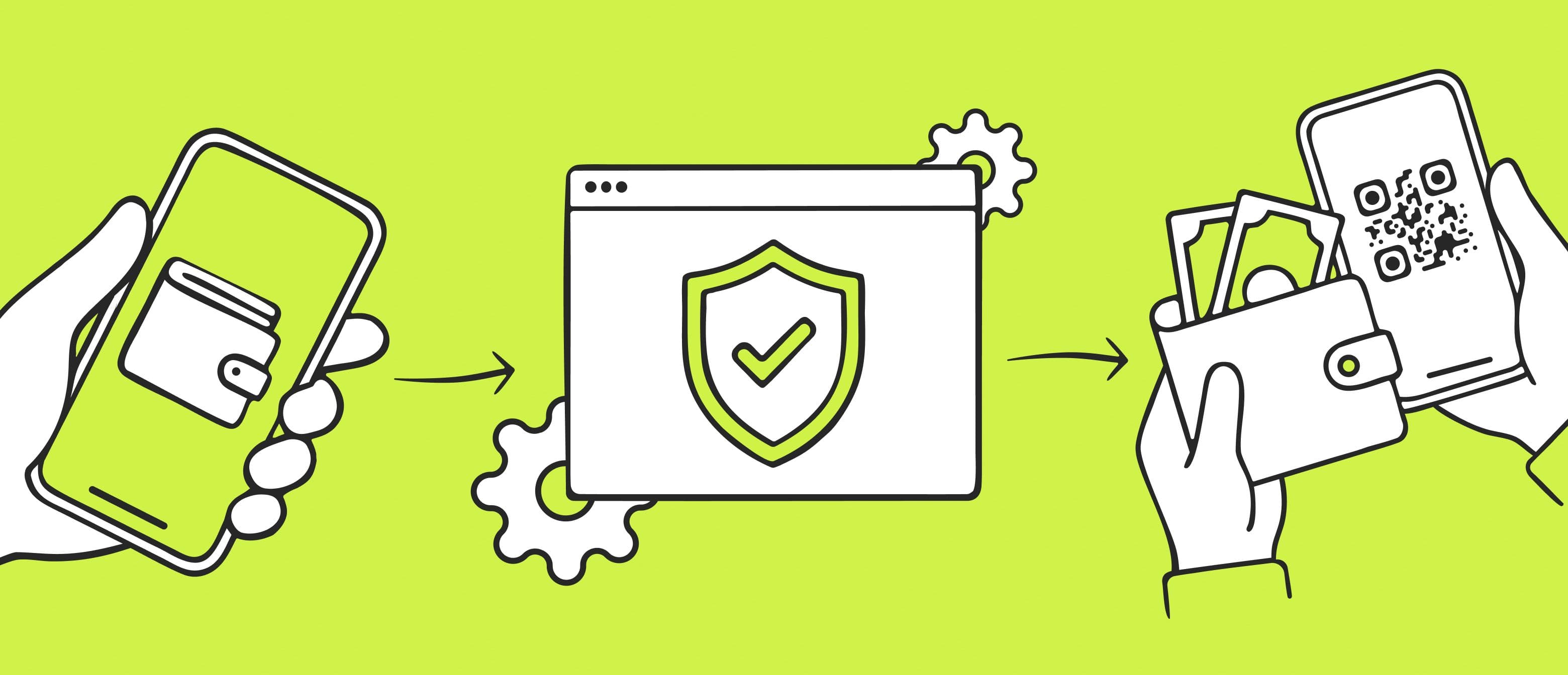
In this step-by-step guide for digital wallets, we’ll explain how to open a digital wallet that lets you store money and cryptocurrency, send and receive international transfers, and pay for goods and services online. You’ll find the requirements for opening, instructions for registration, and tips on setting up your wallet to keep your money secure.
Key Takeaways
A digital wallet is a website or app that lets you store money, send transfers, and make online payments without opening a bank account. Some wallets allow you to keep both fiat and cryptocurrency in one account or issue virtual or physical cards.
In most cases, to open a wallet you only need to enter your full name, email and phone number. However, to get all features, you usually need to complete verification — for example, by uploading a photo of a passport, ID card, or driver’s license.
Digital wallet security setup. To secure your funds, choose a reliable wallet, create a strong password, enable two-factor authentication, and never share your wallet password with anyone.
What Is a Digital Wallet
A digital wallet is an online platform that lets you store money and manage it through a website or mobile app. Examples of digital wallets include Wise, Volet.com, and Revolut.
You create a digital wallet account, add funds or receive a transfer from another person, and then you can withdraw money to a bank card or account, buy cryptocurrency, or send money or crypto to other people. All operations are done online from your phone or computer.
For example, using a Volet.com wallet, a freelancer in Latin America can receive a payment in euros from a client in Europe and withdraw the money to a local bank with automatic conversion into a local currency.
Most digital wallets offer the following features:
Store money in one or multiple currencies.
Send and receive payments.
Deposit funds using a card or bank account.
Withdraw funds to a card or bank account.
Exchange currencies.
Some platforms, including Volet.com, also support crypto and stablecoin transactions and allow users to issue virtual and physical cards.
Why Use a Digital Wallet
Digital wallets are often used as an alternative to a bank account because of several advantages:
Fast online registration. You can sign up and complete verification from the comfort of your home in just a few minutes.
Multi-currency support. You can store and transfer money in different currencies, cryptocurrencies, and stablecoins. For example, with Volet.com you can receive a payment in dollars and immediately send it to your crypto wallet as USDT, USDC, or another cryptocurrency. The reverse is also possible — you can receive a payment in crypto, exchange it for fiat money, and withdraw it to your bank card.
Low-cost international transfers. Freelancers, online sellers, and owners of SaaS products can receive payments from people and companies in other countries to a digital wallet and then withdraw the funds to a bank account in their home country.
In addition, Volet.com and some other wallets allow you to issue a virtual or physical card and spend the money without transferring it to another financial institution. So a digital wallet can serve as a full alternative to a bank account.
Spend your fiat and crypto easily, anywhere
With truly global Volet.com virtual and plastic cards.
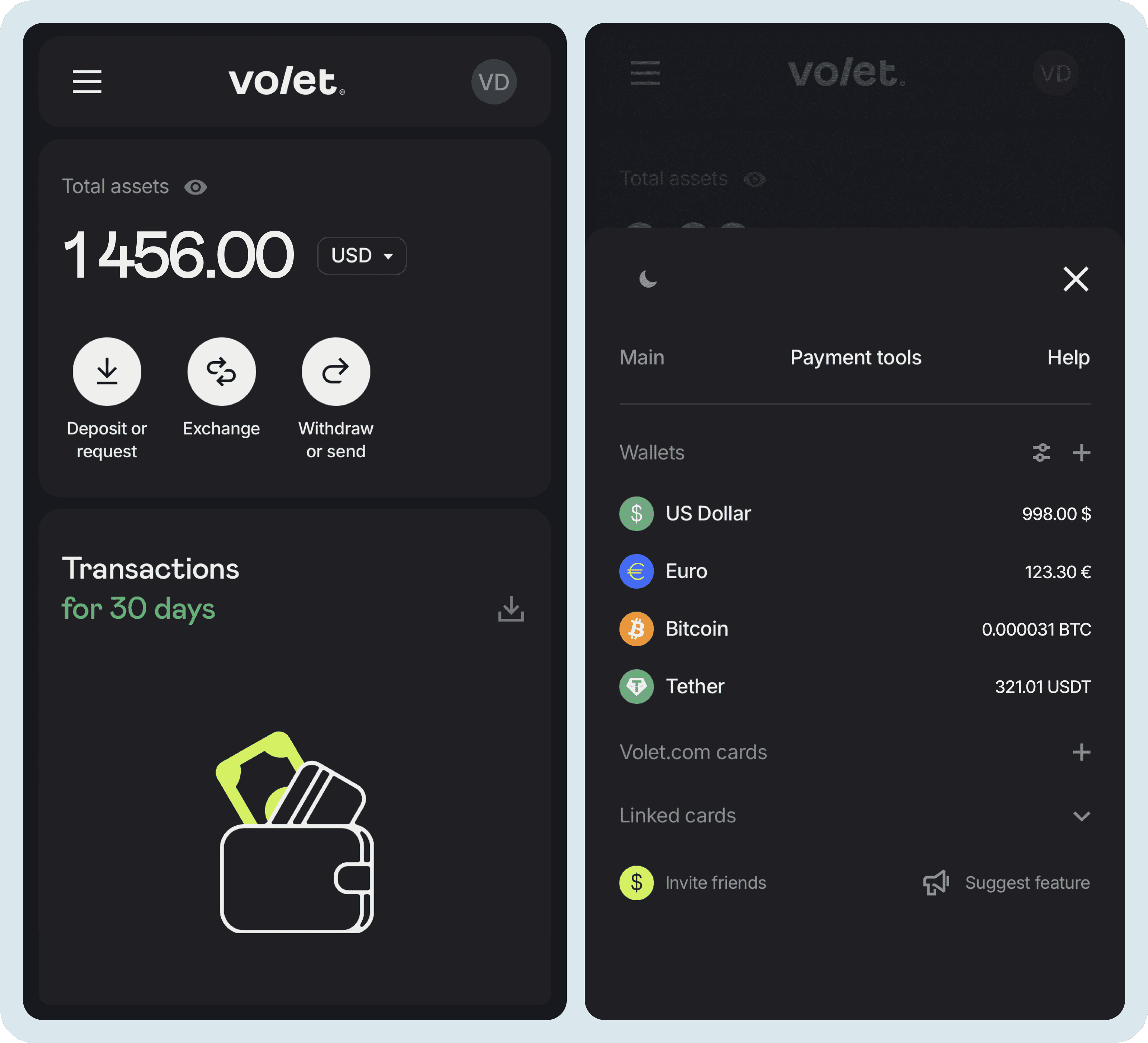
Voler.com’s interface allows you to swap crypto, convert to fiat, and withdraw to your bank account, all from a single screen
Digital Wallet Setup Tutorial
Opening a digital wallet usually takes just a few minutes. In most wallets, the process is similar: you provide your full name, phone number, and email, then complete verification by uploading a photo of an identity document (passport, ID card, or driver’s license).
1. Choose a digital wallet that fits your needs. Pay attention to the following:
Supported countries.
Fees for transfers and withdrawals.
Available currencies.
Deposit and withdrawal methods.
Start sending and receiving money today
Use stablecoins for global reach and local fiat rails for easy top-ups and withdrawals.
2. Install the app (if needed). Not all wallets have a mobile app. Many digital wallets work through a personal account on their website, which you can access from both a phone and a computer.
If you plan to use an app, make sure it is the official one. The download link should be available on the service’s website. On top of that, the best digital wallet apps for setup often have a significant number of installs and reviews in Google Play or App Store.
3. Create a digital wallet account. In most cases, you need to provide your full name, email, phone number, and country.
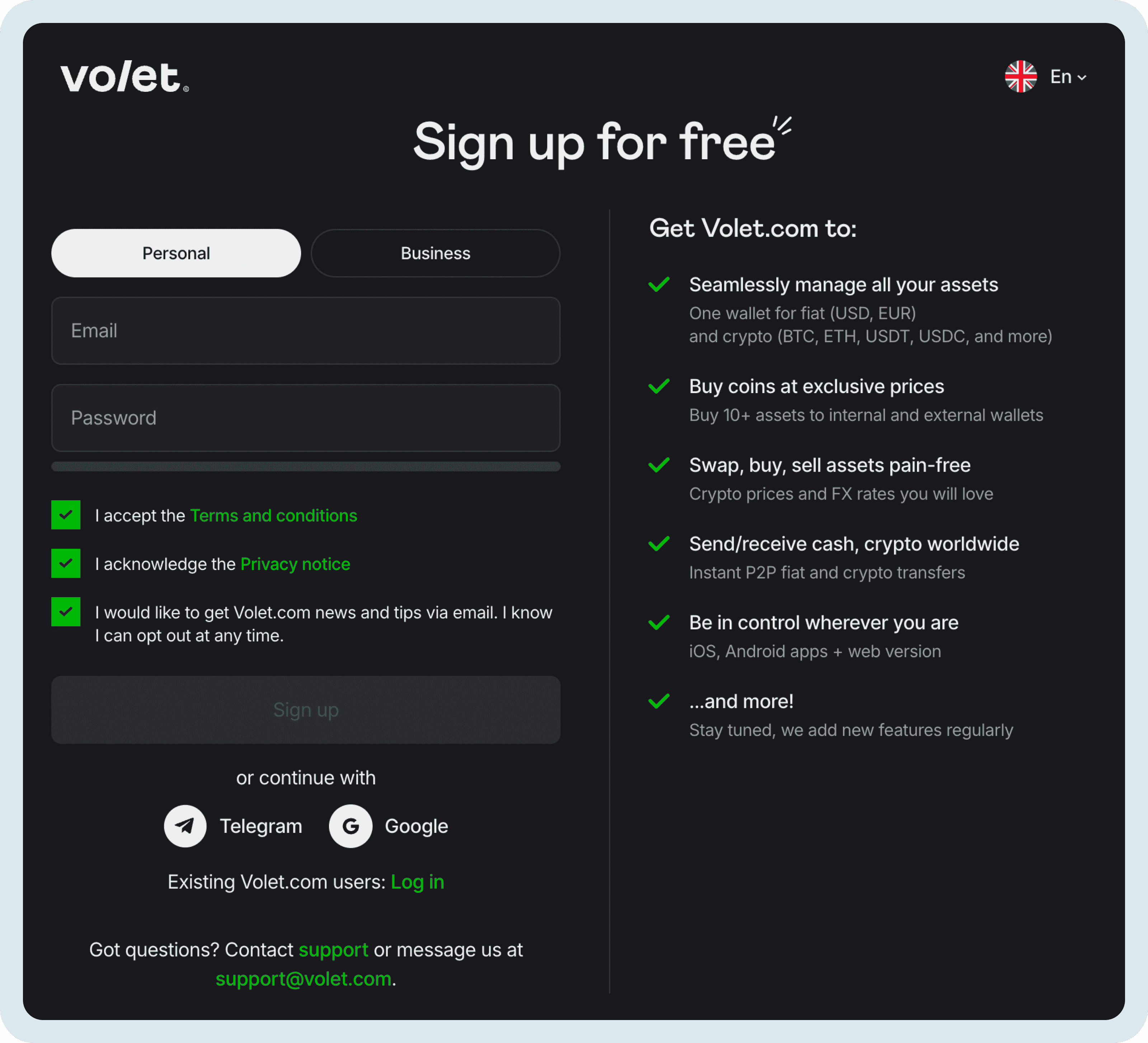
You can sign up for Volet.com using your email address, Google account, or Telegram account
To create a strong password, follow these rules:
Use at least 12 characters.
Include uppercase and lowercase letters, numbers, and special characters.
Avoid birth dates, names, or simple combinations.
Use a unique password for each website.
4. Complete identity verification. Some features may be available without verification. However, most official wallets provide access to key functions only after verification due to legal requirements.
To complete verification, you typically need to:
Upload a photo of an identity document (passport, ID card, or driver’s license).
Take a selfie or record a short video so the platform can confirm that the account is being registered by the person shown in the documents.
Document verification may take from a couple of hours to several days, depending on the service. At Volet.com, about 85% of verifications take less than a minute.
After verification, you’ll get access to all withdrawal methods and higher account limits.
Digital Wallet Security Setup
Right after creating your account, enable two-factor authentication (2FA). This ensures your account stays protected even if someone finds out your password.
Here’s how two-factor authentication works: every time you log in to your wallet, in addition to your password, the service will ask for a one-time code sent via SMS, your chosen messenger, or an app like Google Authenticator.
Along with enabling 2FA, follow these guidelines:
Use only real email and phone numbers for your digital wallet. You may need them to recover access if you forget your password.
Never share your password or 2FA codes with anyone.
Stick to official apps and websites. Avoid links sent by strangers, even if they look like your wallet’s official site.
Why It Is Worth Using A Digital Wallet in 2026
By 2026, digital wallets have become far more than just a convenient option — they’re now the go-to solution for millions of people around the world who want to receive payments quickly from anywhere, instantly convert fiat to crypto (or crypto back to fiat), and move and spend their money freely.
With low fees on international transfers, multi-currency support, full crypto functionality, the ability to issue virtual or physical cards, and strong security (especially once you’ve set up 2FA), platforms like Volet.com let you either replace a traditional bank account entirely or seriously upgrade the way you handle your finances.
Frequently Asked Questions
You can send and receive international payments in USD, EUR, stablecoins, and other cryptocurrencies. These funds can be sent not only to another Volet.com user but also to a bank account or card, as well as to an external crypto wallet.
Volet.com also offers a virtual or physical card, which you can use for online and offline purchases or to withdraw cash from ATMs.
Yes, as long as you use the official site or app of a reliable digital wallet. One indicator of reliability is how long the wallet has been in operation. For example, Volet.com has been around since 2014 (previously it was called AdvCash).
Also, all wallets must comply with anti-money laundering laws, which means they require KYC verification. If a wallet claims you can use it completely without verification, it’s likely not trustworthy.
Yes, some digital wallets let you exchange regular money for cryptocurrency and vice versa. For example, with Volet.com, you can open a crypto wallet and convert fiat into stablecoins or other cryptocurrencies right on the site. You can also send USD or EUR to an external crypto wallet, with automatic conversion to the desired cryptocurrency.
Digital wallets hold your funds in the company’s bank accounts. Your wallet balance is essentially an entry in their internal ledger. When money is transferred between users of the same platform, it only updates the records in the internal database, so these transfers usually have little fees or no fees at all. When you withdraw money from your wallet to your bank card, the wallet processes the transfer through partner banks, which is why fees for these transactions are typically higher.
To secure your digital wallet, create a password that includes numbers, symbols, and both uppercase and lowercase letters—at least 12 characters in total. Avoid using real words, birthdates, or names. When registering, use only a current phone number and email so you can reset your password if you forget it. After registration, enable two-factor authentication to prevent fraudsters from accessing your account, even if they know your password.
To choose a digital wallet with the best app, visit the App Store or Google Play and check reviews and download numbers. However, not all wallets have a mobile app. Many are accessible only by logging into your account on the website, allowing you to use the wallet on both your phone and computer.